
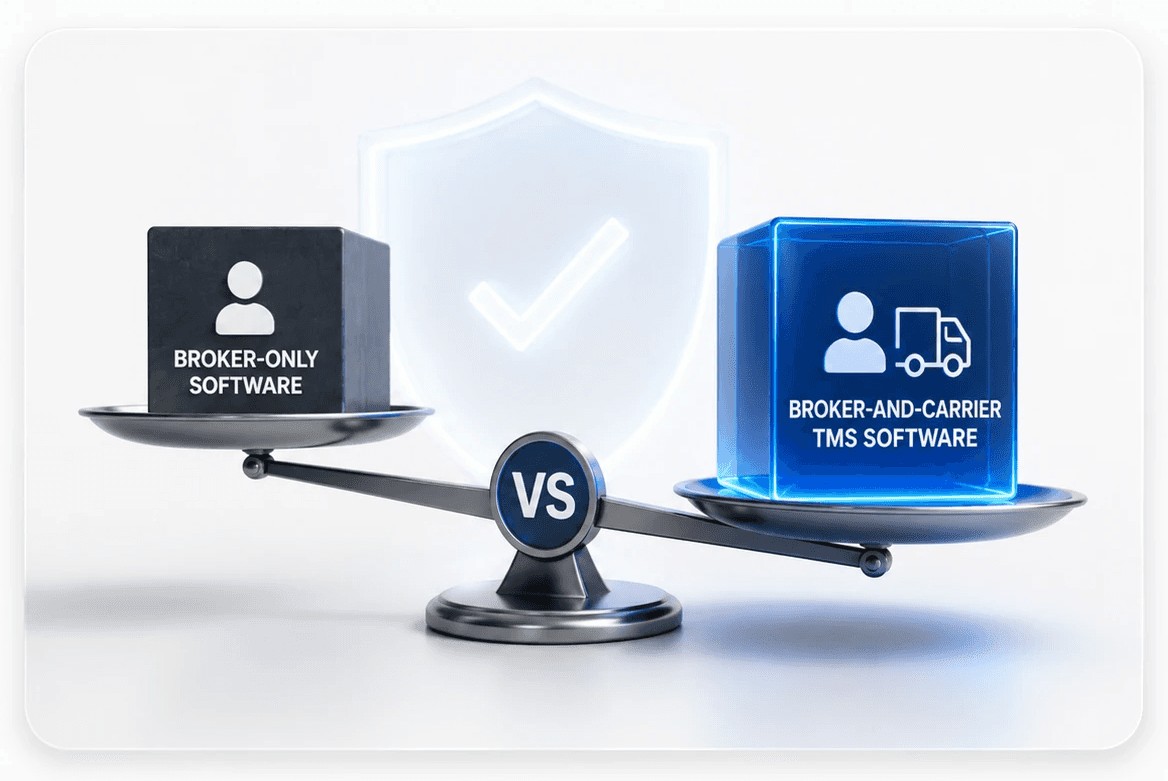
If you run a freight brokerage, one of the first questions you hit when shopping for a TMS is whether to get a system that serves both carriers and brokers, or one built only for brokers. It sounds like a small choice. It is not. It shapes how your whole operation runs, what you pay for, and which parts of your day the software actually helps with. This guide lays out the honest trade-off, in plain terms, so you can choose with your eyes open.
To get there, it helps to see what each kind of tool is really built for. A carrier and a broker do different jobs, and the software follows the job.
What a carrier TMS is built to do
A carrier owns trucks and moves the freight itself, so a carrier TMS is built around the fleet. That means a dispatch board that shows every truck and driver, trip and route planning, compliance like ELD logs and IFTA fuel tax, driver settlement and pay, and tools to cut empty miles. For a company that runs its own equipment, this is exactly the right tool, and the good ones are deep and capable. None of it is wasted on a carrier. The question is only whether it fits a business that owns no trucks at all.
What a freight broker actually needs
A broker owns no trucks. You win freight from shippers, find a safe carrier to haul it, and protect a margin in between. People often picture that as simply managing loads, but running a brokerage well takes a fuller set of tools than that, and it is easy to underestimate. In plain terms, a broker needs:
A broker TMS is built around
Winning freight, covering it, and margin.
- A real shipper pipeline and CRM, your sales engine
- Fast quoting from real lane rates
- Carrier sourcing and vetting, with a dated record
- Customer billing, accessorials and detention included
- Margin by load, lane, and customer
A carrier TMS is built around
Running the fleet and the drivers.
- Dispatch board and trip planning
- Driver and equipment management
- ELD logs and IFTA fuel tax
- Driver settlement and pay
- Empty-mile and utilization tools
Notice how little those two lists overlap. That gap is the whole reason this choice matters. A tool that tries to serve both has to do two different jobs well, and in practice, one side usually gets more attention than the other.
So why do these tools lean toward the carrier?
Because the carrier market is bigger and older, with more to build for: trucks, drivers, dispatch, and compliance. So most tools that serve both put their real work into the carrier side. The broker side is there, but it is usually lighter. The cheaper tools are good at loads and accounting, but thin on the things that grow a brokerage: a real shipper pipeline, quoting from live rates, deep carrier vetting, and clear margin reports. Many brokers hit a ceiling and end up bolting on extra tools.
The big enterprise tools do have deep broker features, but they are heavy, cost more, and come loaded with fleet tools a non-asset broker will never use. Either way, the broker is rarely the main point. That is not a fault in the software. It just reflects who it was mainly built for.
A broker-and-carrier TMS vs a broker-only TMS
Seen side by side, from a broker's point of view:
| Broker-and-carrier TMS | Broker-only TMS | |
|---|---|---|
| Optimized for | Carriers and fleets first | Brokers, start to finish |
| Broker growth tools | Present, often lighter | The main focus |
| Fleet features | Deep, much you may not use | Minimal, by design |
| What you pay for | Both sides, used or not | The broker job |
| Best fit | Hybrids that run trucks too | Non-asset brokerages |
So should a non-asset broker pick a broker-and-carrier TMS?
Here is the honest answer, and it depends on one thing: do you run any trucks of your own? If you are an asset-based broker, meaning you broker freight and also run a few of your own trucks, a broker-and-carrier TMS can genuinely make sense. You need both sides, and one system that does both beats paying for two.
But if you are a non-asset broker, meaning you own no trucks, a broker-only tool usually fits better. Not because the both-sided tools are bad, but because your entire business is the brokerage. You want software where that is the whole point, not a feature sitting next to a fleet system. A broker-only platform puts your sales pipeline, quoting, carrier vetting, customer billing, and margin front and center, skips the fleet features you will never touch, and tends to be lighter and faster to run because it is not trying to be two products at once. When the broker job is the center of the tool, the parts of your day that actually need help are the parts that get it.
How to decide in a demo
If you are a non-asset broker, here is how to pressure-test any TMS in a demo. Do not watch the scripted tour. Make them run your job, a broker’s job, and watch for these five things:
- Run my real workflow. Quote a shipper, cover the load with a carrier, and send a customer-specific invoice with an accessorial. Smooth means it fits; workarounds mean it does not.
- Show me the shipper side. Ask to see a real sales pipeline, not a contact list. This is your growth engine, and it is the piece both-sided tools most often skimp on.
- Onboard and vet a new carrier. Count the clicks, and ask where the dated vetting record lives and whether the carrier is watched over time.
- Handle my billing. Give them a detention charge and a customer with odd rules, and see whether the system handles it cleanly or asks for a workaround.
- Show my margin, and my unused features. Ask for margin by load, lane, and customer in a click, then ask honestly how much of the platform is fleet tooling you will not use.
The choice comes down to a simple question: do you own trucks? If you do, a TMS that covers both sides earns its place. If you do not, you will usually get more from software built around the brokerage itself, where your sales, sourcing, billing, and margin are the point, not a side feature next to a fleet system.
That broker-first approach is what UltraShip freight broker TMS software is built on, for non-asset brokers who want their whole operation in one place, without the fleet weight they do not need.
The clearest way to judge fit is to watch a platform run your real workflow. Book a demo →
- Capterra, Software Advice, and Gartner Peer Insights verified reviews of broker-and-carrier TMS platforms, 2026.
- Independent AscendTMS reviews on broker growth features, scaling limits, and reporting, 2026.
- Truckpedia and TruckerPro, enterprise TMS cost, implementation, and fit for smaller operations, 2026.
- BrokerPro and QuantumByte, broker-first TMS workflows and buyer guidance, 2026.
- Truckstop, freight broker software guide, carrier vetting and rate data, 2026.
- SuiteFleet and Datatruck, how TMS types differ by business, 2026.