



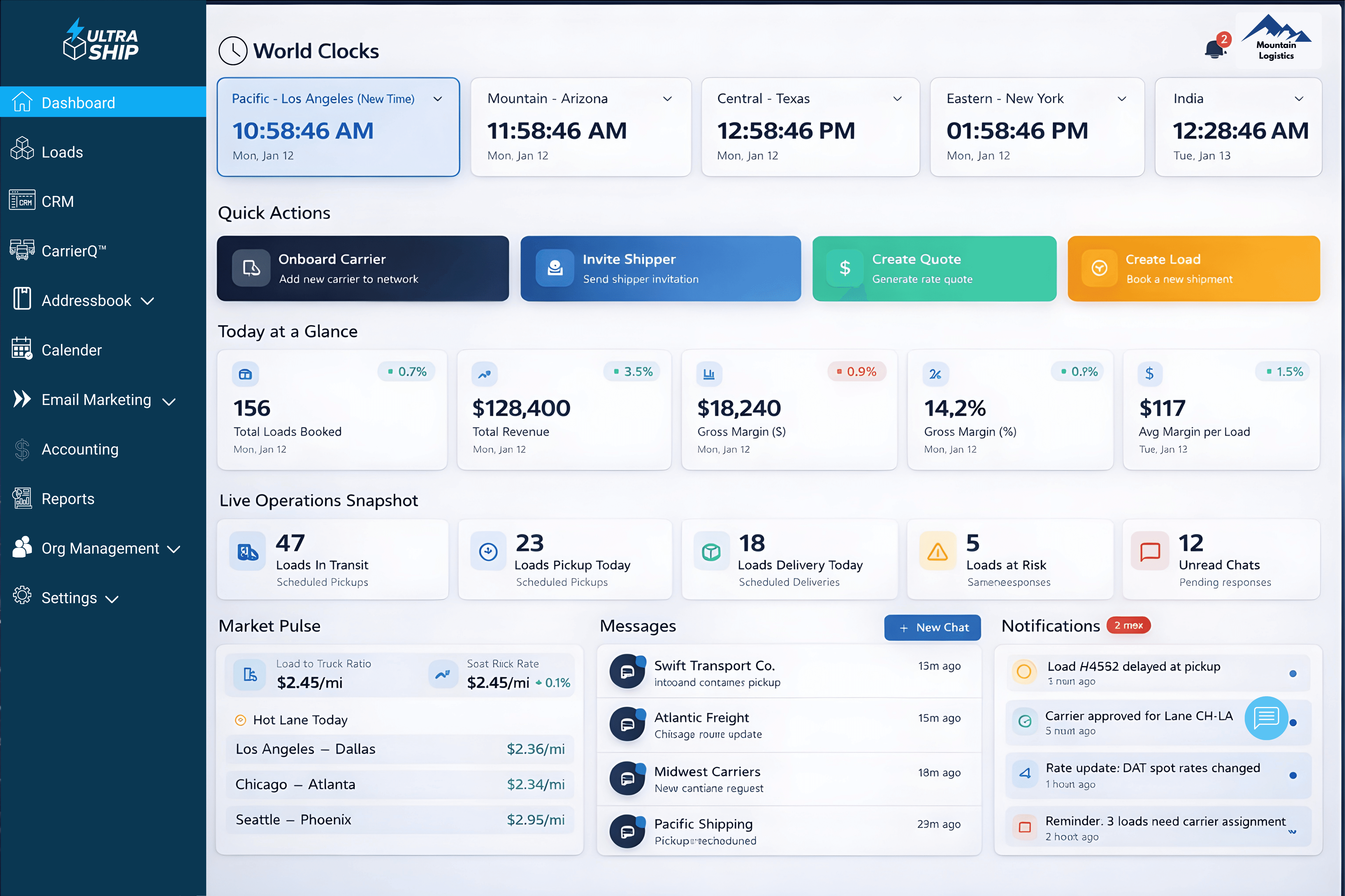




















01 Win the shipperCRMUltra CampaignsNew02 Capture the shipper's requestInbox Intellect™EDI with shippersNew03 Win the loadCarrierQ™ + 123LoadboardNewUltraNegotiatorNewRate management04 Vet & onboardGatewayNewCarrier & shipper onboarding05 Run the loadLoad managementNewTracking06 CommunicateUltraConnect™New07 PaperworkUltra WallNew08 Bill & payAccountingUltraPayNew09 ReportUltra Intelligence SuiteUltraAsk™NewAcross every stageUltra PilotNewSee the solutions for each stage of your brokerage →
How UltraShip helps you run your entire freight brokerage on one platform.
12 capabilities. One continuous flow, from the first shipper email to the final carrier payment.
01
1 new launchCRM
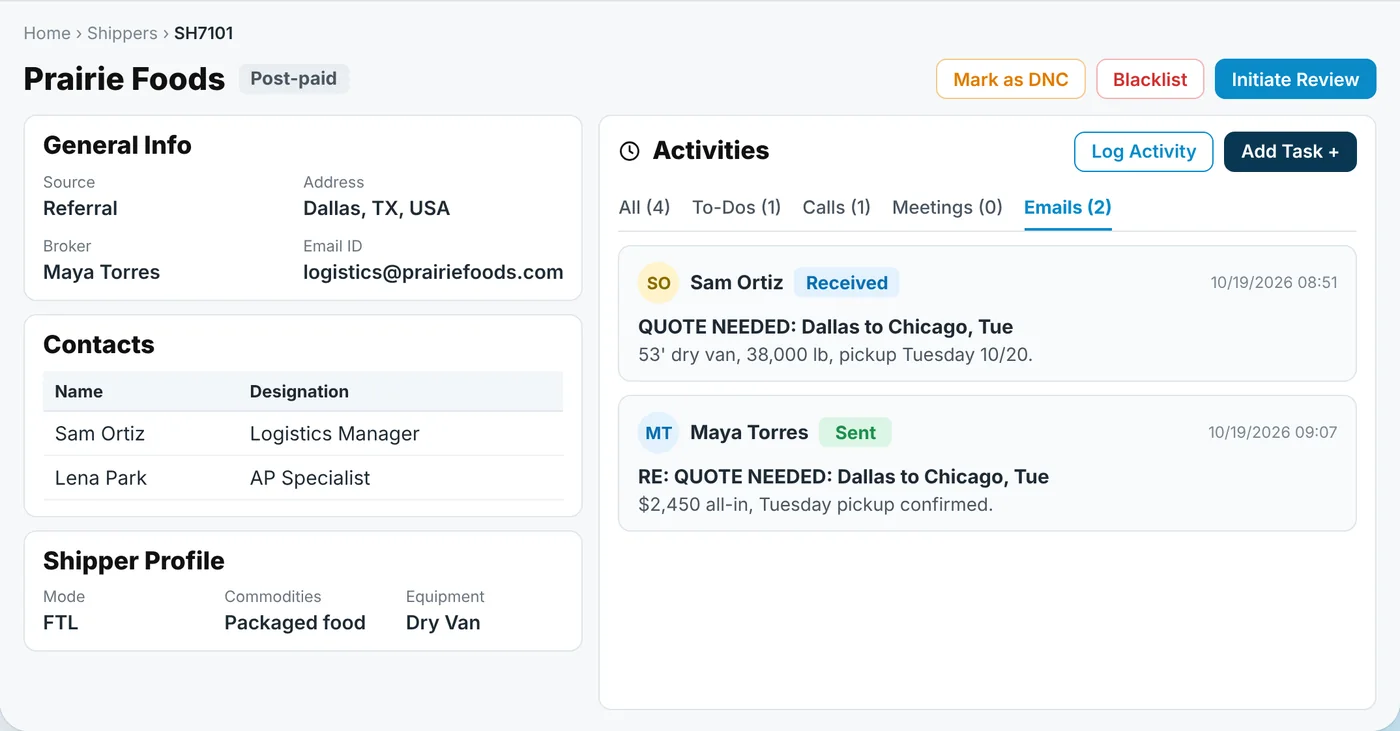
A built-in CRM inside the TMS, for free, with bulk emailing built in.
02
1 new launchInbox Intellect™ & EDI
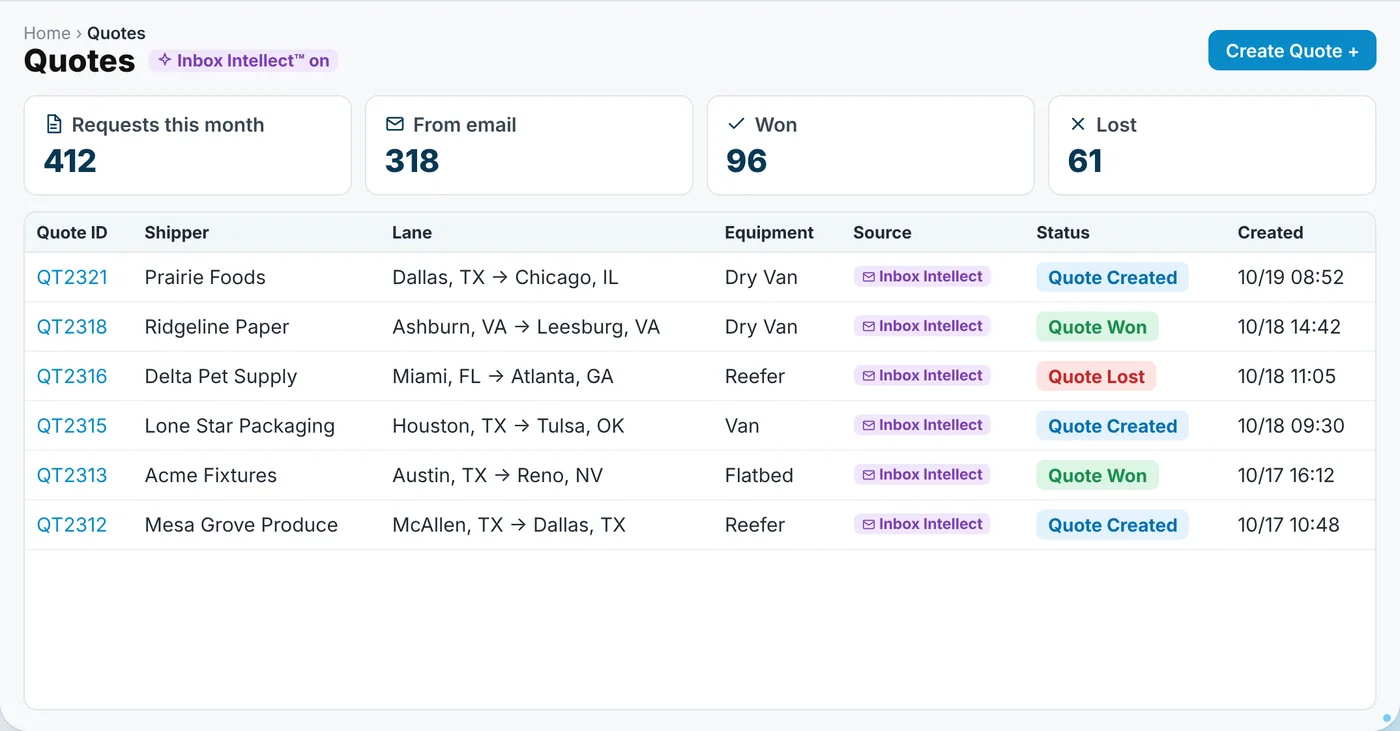
Shipper quote emails become quotes, and tendered loads become loads, inside the TMS.
03
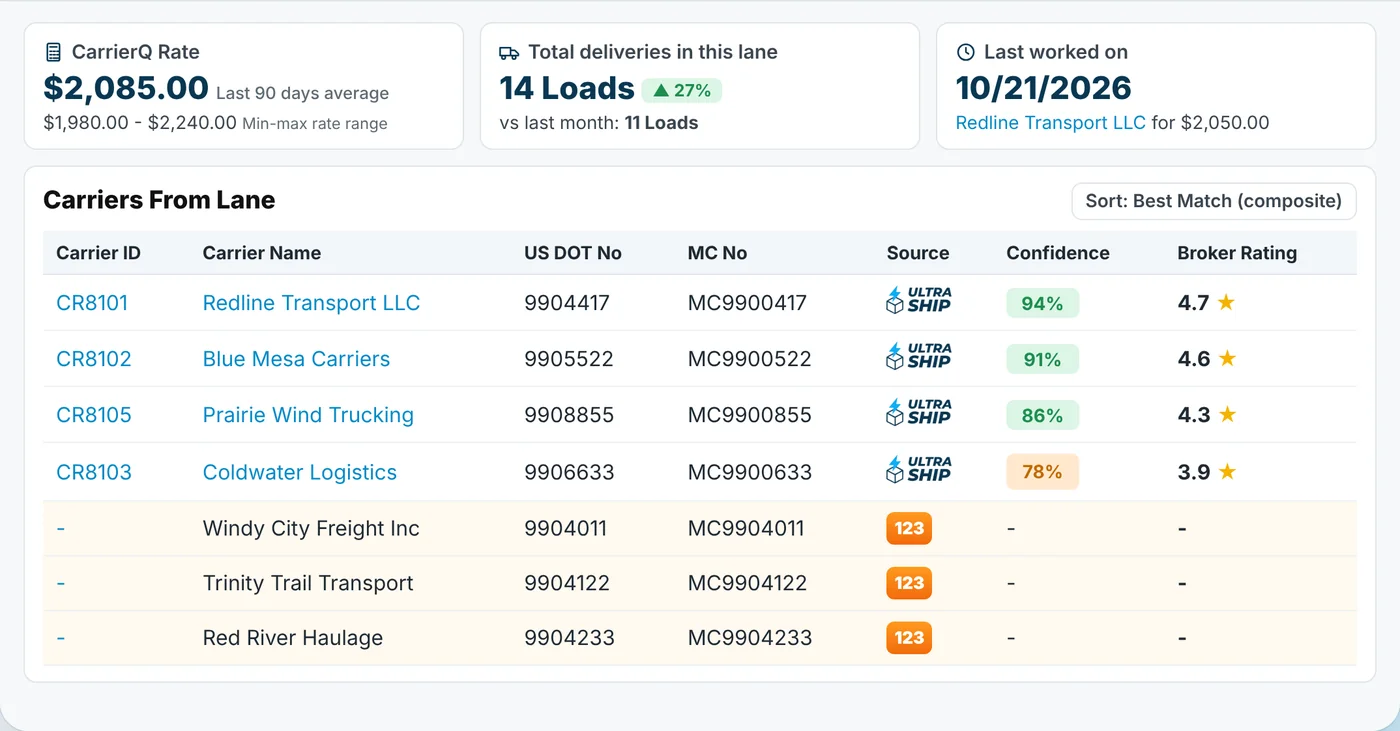
1 new launchCarrierQ™ + 123Loadboard
123Loadboard carriers for your lane, before you quote. Post to every load board at once.
04
1 new launchUltraNegotiator
An AI agent negotiates carrier rates for you.
05
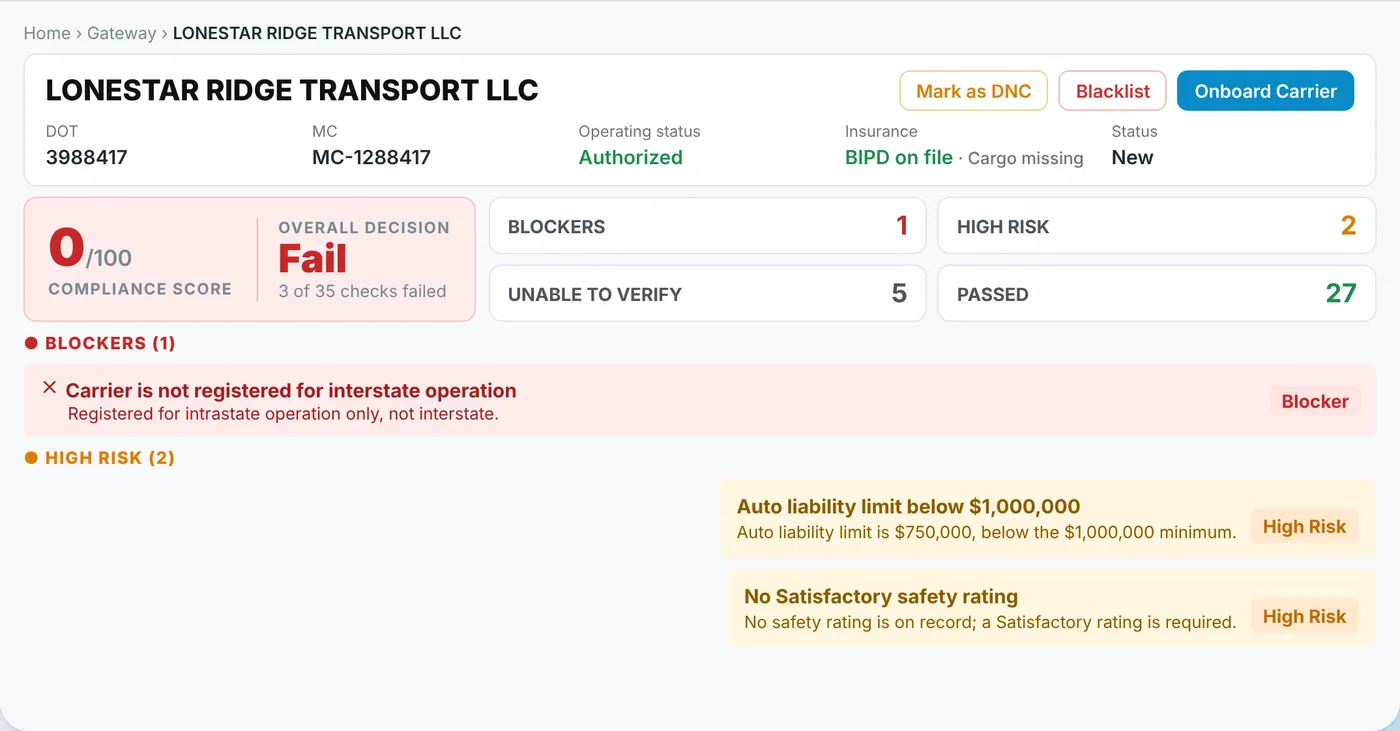
1 new launchGateway
AI carrier vetting, built into the TMS.
06
Carrier & Shipper Onboarding
Digital onboarding packets, filed for you.
07
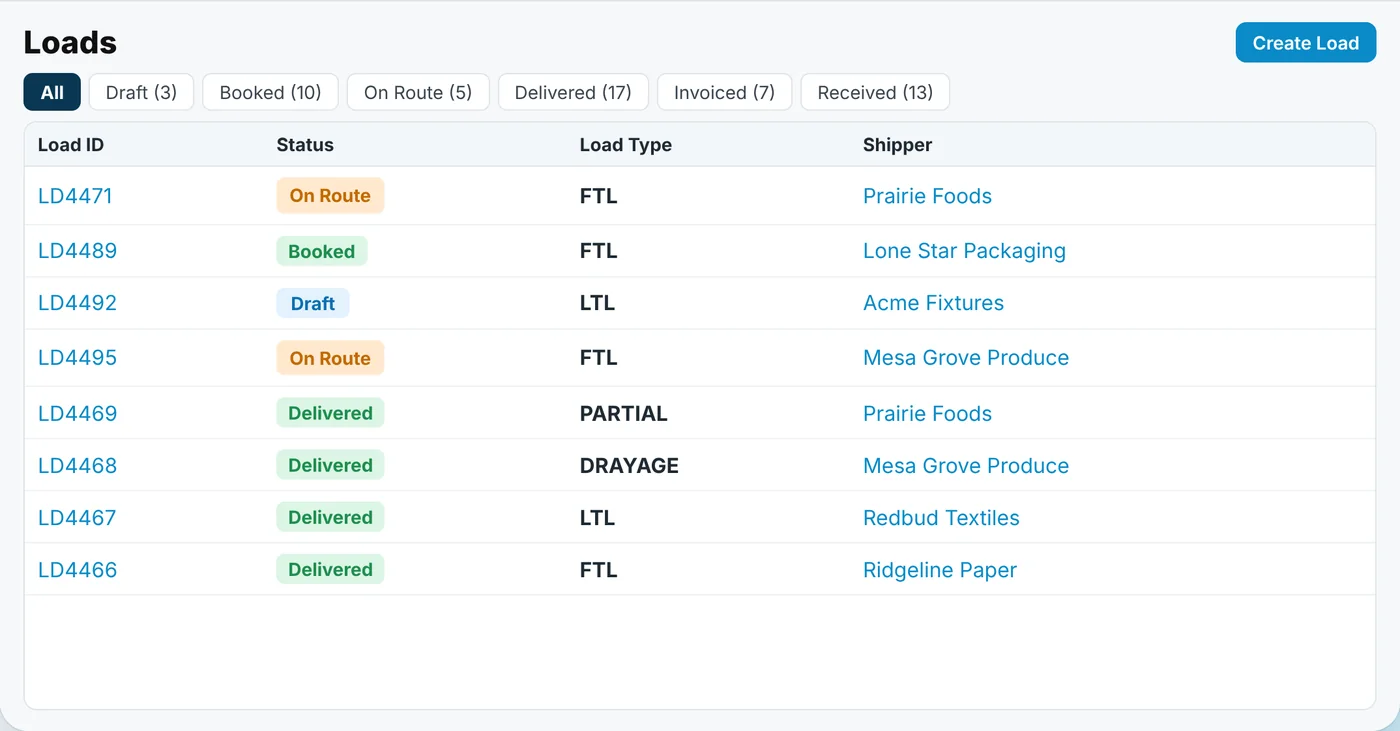
2 new launchesLoad Management & Tracking
FTL, LTL, partial, drayage and multi-leg loads in one list, tracked live.
08
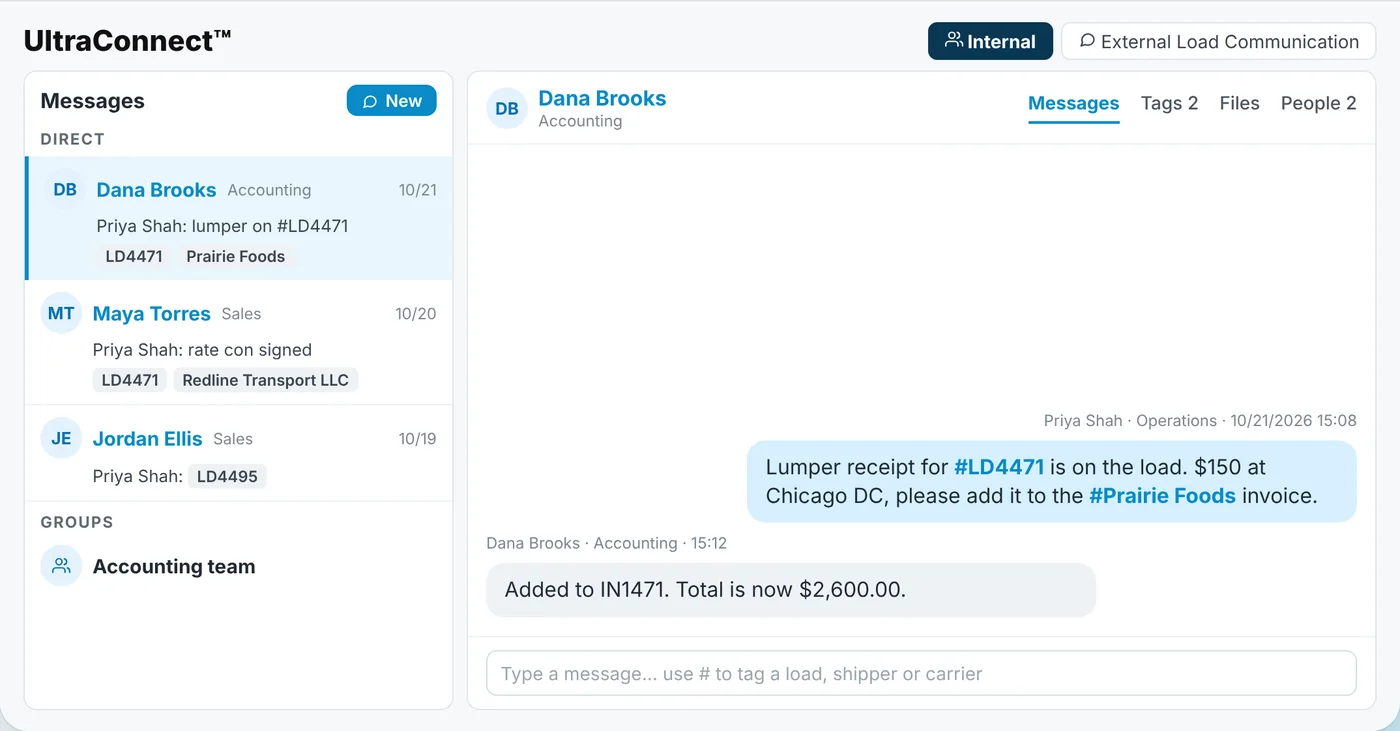
1 new launchUltraConnect™
Team and carrier chat, built into the TMS.
09
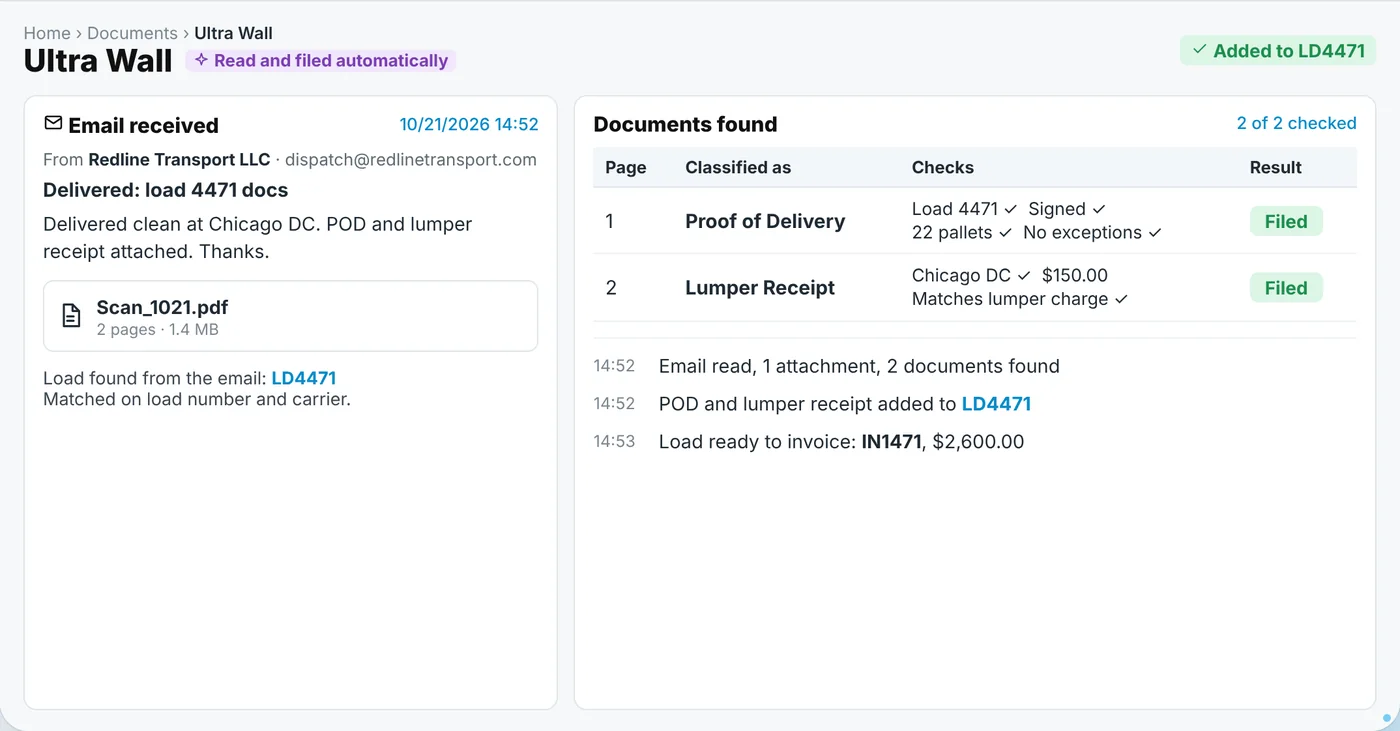
1 new launchUltra Wall
AI reads, splits and files every load document.
10
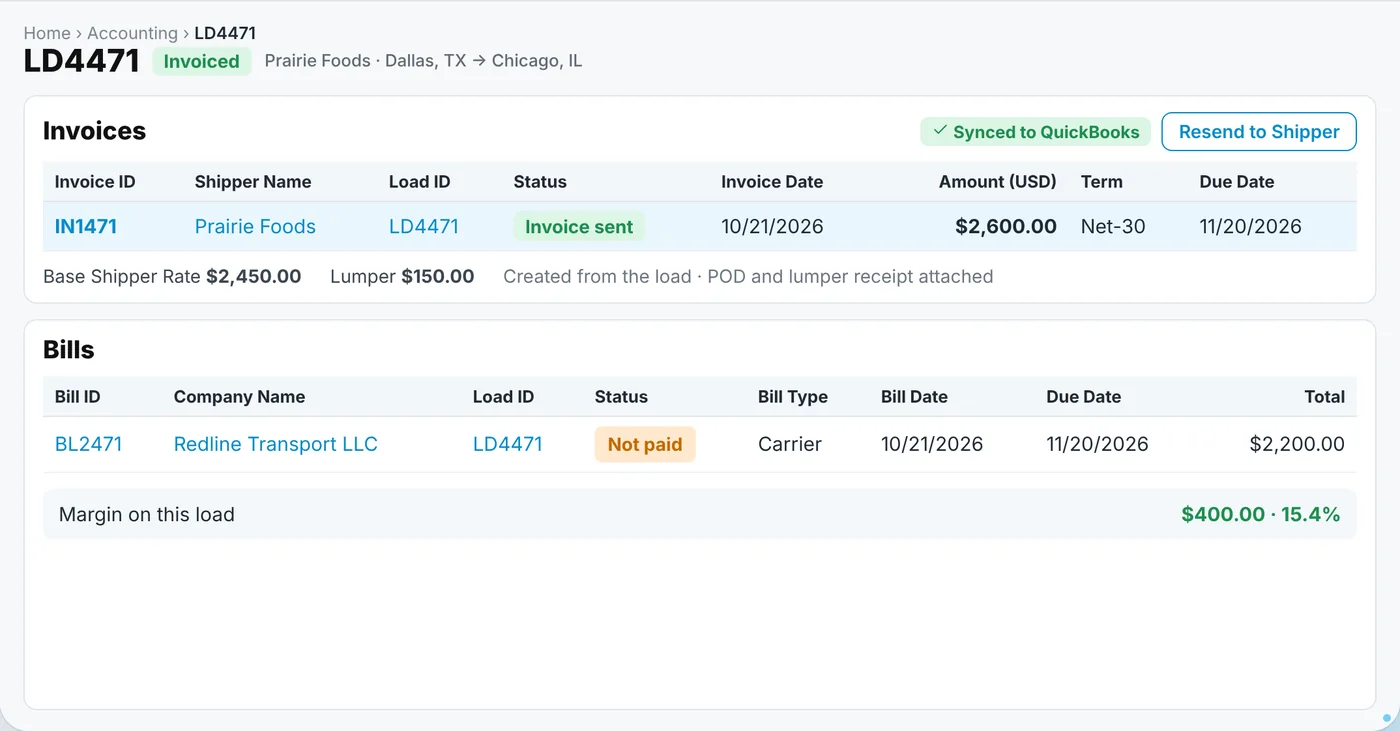
2 new launchesAccounting & UltraPay
Invoices and carrier bills from the load. Pay carriers by ACH, RTP or wire.
11
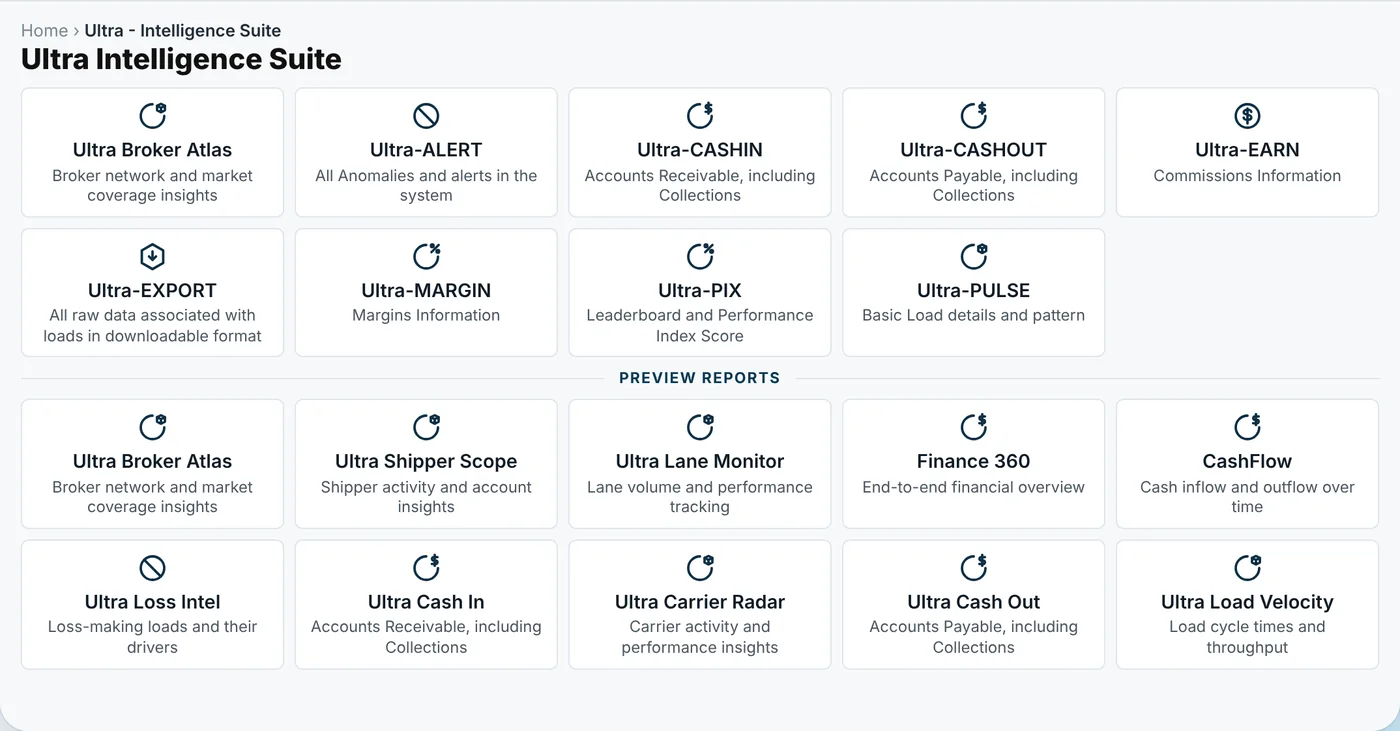
Ultra Intelligence Suite
Ready-made reports and live dashboards.
12
1 new launchUltraAsk™
Ask your TMS anything in plain English.
Stage-wise solutions
How you run each stage of your brokerage in UltraShip
Nine stages run every freight brokerage. Pick one to see the products that run it, then see the whole flow.
01Win the shipper1 new launch
Your CRM and bulk email, built into the TMS.
- CRM
- Ultra Campaigns✦
See the whole flow
All 9 stages and every product, on the product page.
"As we grew, juggling multiple tools was slowing us down. UltraShip helped us stay lean, organized, and scalable - without paying too much in TMS costs."

Jay Dhillon
Director, Operations Illmatic Logistics
Testimonials
What running on UltraShip feels like
Straight from teams using UltraShip in their daily operations.
Getting Started
Get up and running - without the learning curve
Step-by-step guidance, short videos, and real support to help your team start using UltraShip confidently from day one.
UltraShip FAQ
The questions brokers and 3PLs ask most before booking a demo, answered simply, on pricing, onboarding, and what is included.
Quick Answers
401What exactly do I get for the price I pay?
One connected platform that replaces the stack of tools most brokerages juggle. Your plan includes the full feature set for that tier, CRM, FTL and LTL load management, carrier compliance, real-time tracking, accounting, bulk emailing, and reporting, plus onboarding, training, and data migration at no extra cost. Pricing is per user, per month, and the price you are quoted is the price you pay.
02Are there onboarding fees, setup costs, or surprise charges?
No. UltraShip has no setup fees, no onboarding fees, and no hidden charges. You pay a flat per-user monthly rate, with annual billing saving up to 20 percent over monthly. Onboarding, training, and data migration are all included, so there is nothing to add on later.
03How long does onboarding take, and will my team struggle to learn it?
Most teams are fully operational within a few days. You are not left to figure it out alone: a dedicated onboarding team configures the platform, migrates your existing shipper, carrier, load, and accounting data, and trains your brokers directly. UltraEnterprise customers also get a dedicated implementation manager for the whole process.
04Is UltraShip locked behind long-term contracts?
No. There are no long-term contracts and no cancellation penalties. You can choose monthly or annual billing, annual simply costs less per user, and if you ever leave you can request a full export of your data in standard formats.